Characters with a voice
Define personalities, backgrounds, and the details that make a character yours. Talk one-on-one or bring several characters into the same conversation.
Character cards · One-to-one & group conversations
AI character chat, made for your stories
Create a character, give them a world, and start a conversation. From a quiet moment with one person to a scene with a whole cast, LorelyChat gives your imagination somewhere to go.
Characters · Worlds · Stories
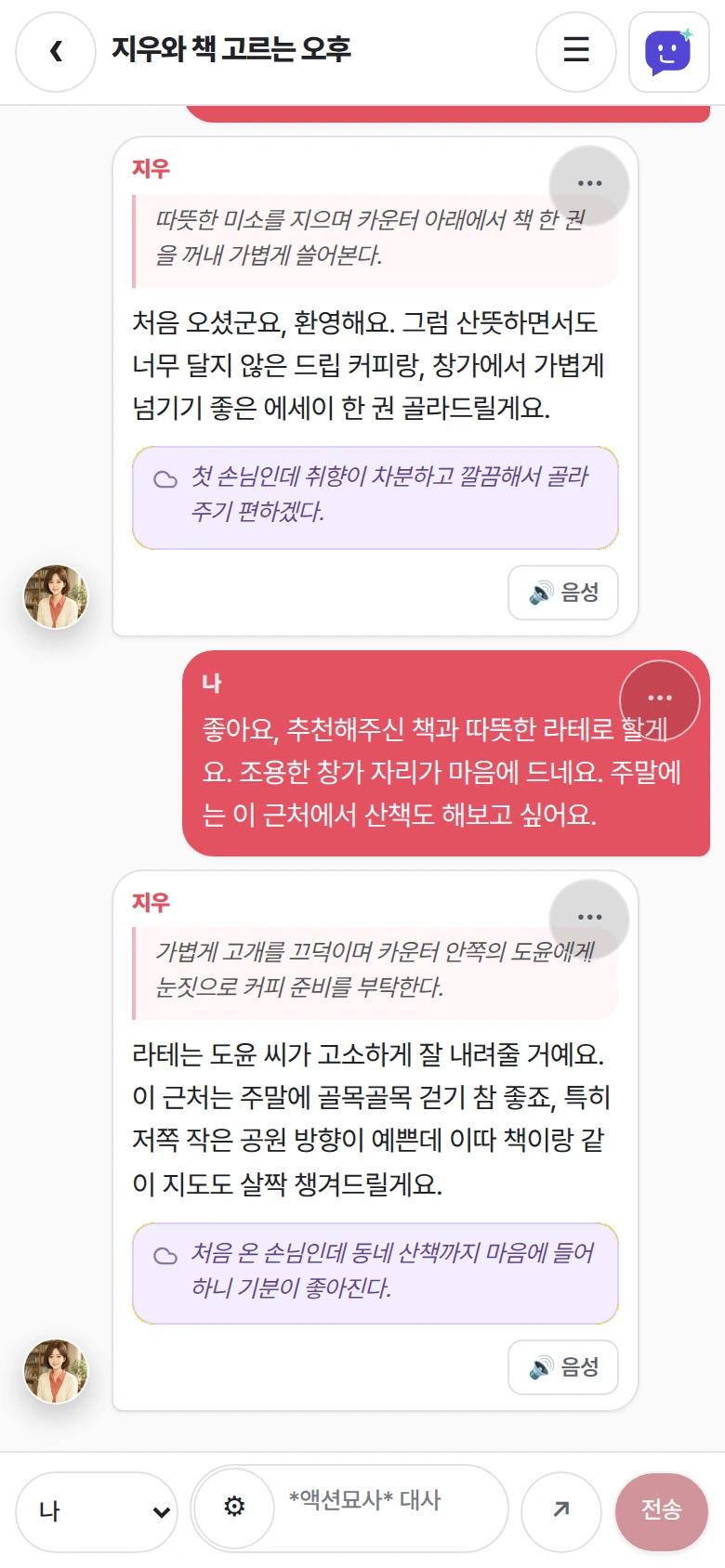
A conversation with more to it
Give each character their own perspective. Shape their world by hand or with Lore Agent’s writing help. Then leave room for the unexpected.
Define personalities, backgrounds, and the details that make a character yours. Talk one-on-one or bring several characters into the same conversation.
Character cards · One-to-one & group conversationsChoose the places, atmosphere, and rules behind a scene. Bring the same character into different worlds, from a familiar café to an entirely new setting.
Reusable characters · Multiple worldsRead what a character says, does, and thinks. Story Arcs and editable notes help you carry the important moments into the next scene.
Dialogue, action & thought · Story ArcsThe freedom behind the conversation
Choose how your conversations run, without giving up the stories you want to tell.
Bring your own API key and pay your AI provider for what you use, under its pricing. LorelyChat adds no markup to AI usage charges.
BYOK · Direct provider billingConnect API keys from different providers and keep compatible accounts and models together. Choose the service that works for your conversations.
Multiple provider accounts · Compatible APIsSelect from your configured models to suit response speed, writing style, and usage cost. Your preferred setup stays in your hands.
Model selection · Your preferencesInside LorelyChat
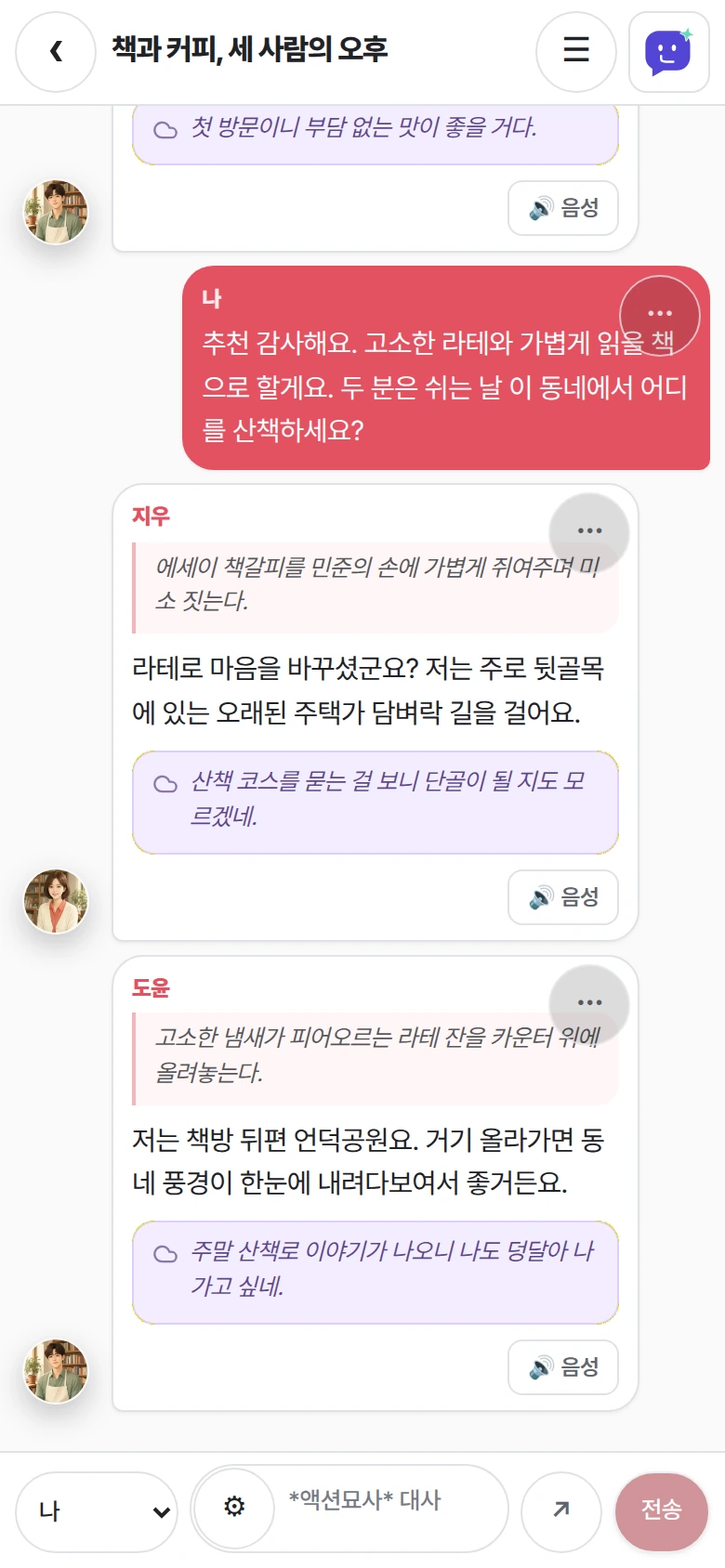
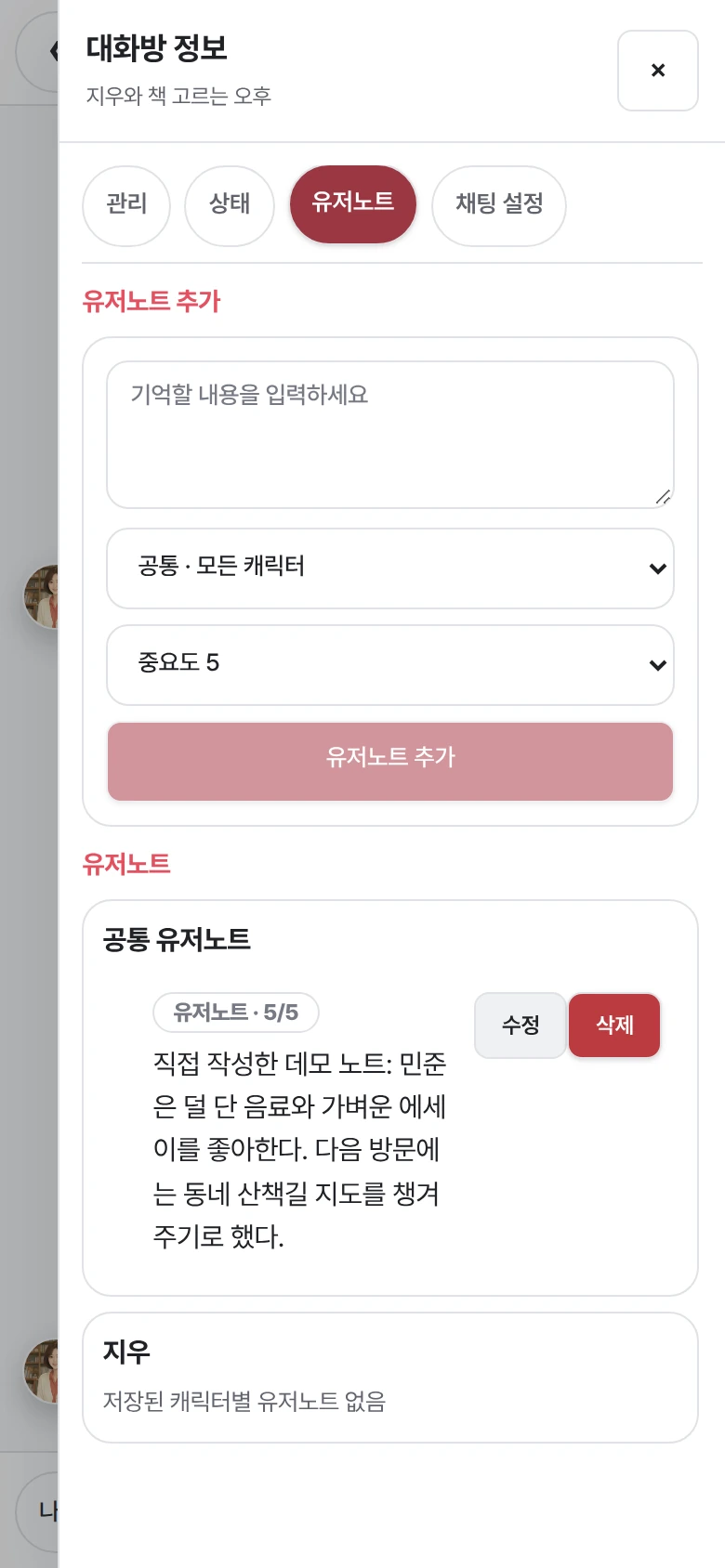
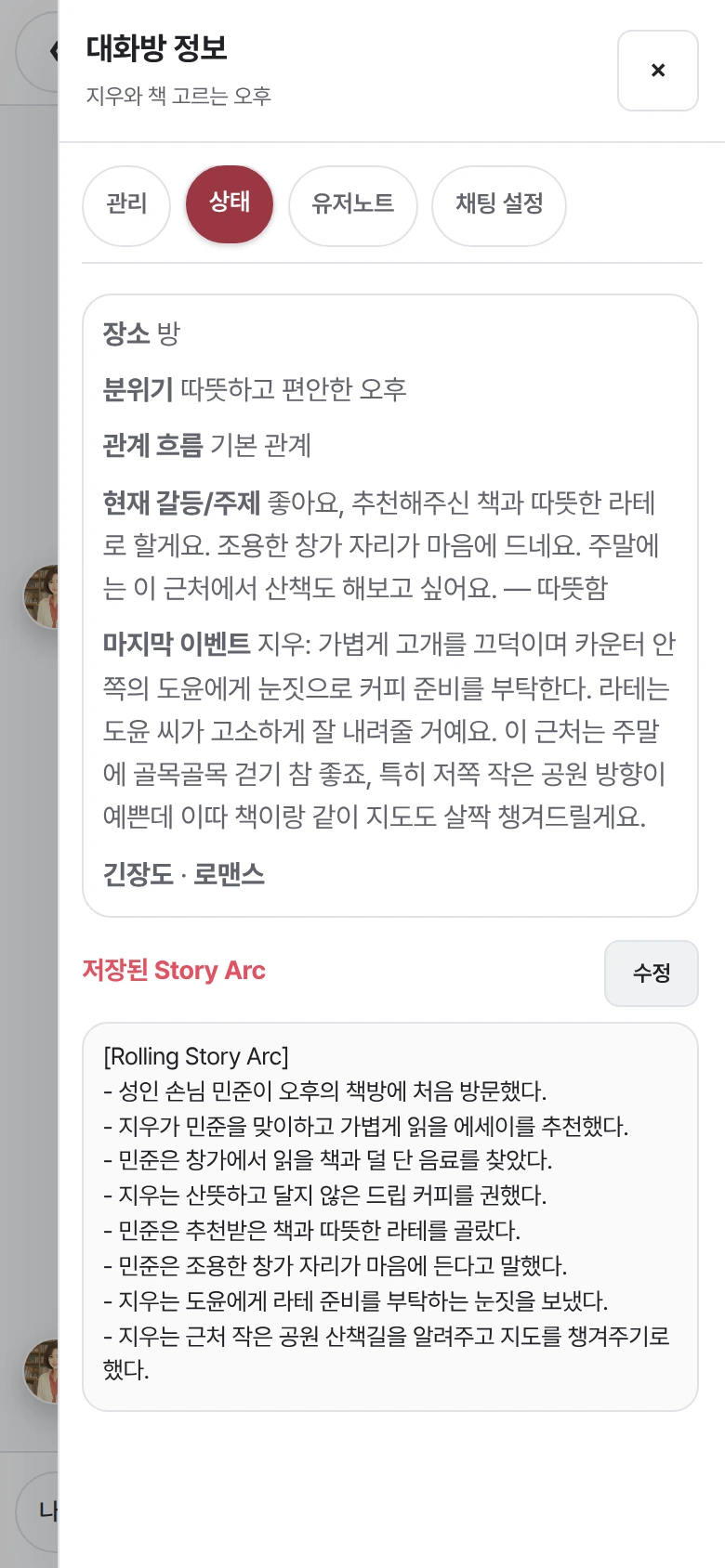
A book-café conversation is just the beginning. Explore the chats, characters, and details that shape a story.
Swipe to explore, or use the arrows. With the gallery focused, use ← →, Home, or End.
Start with an everyday moment: a one-on-one chat in a book café. Example conversation.
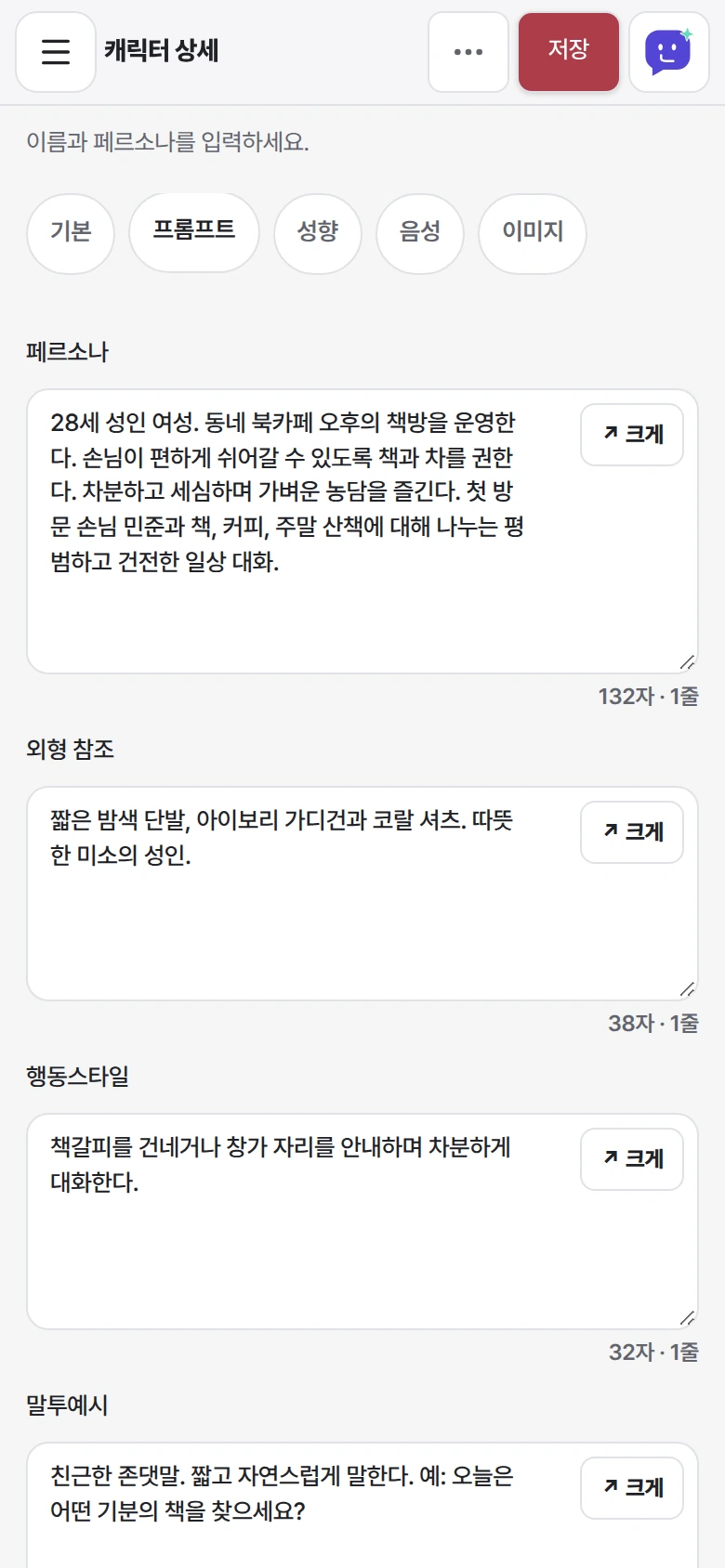
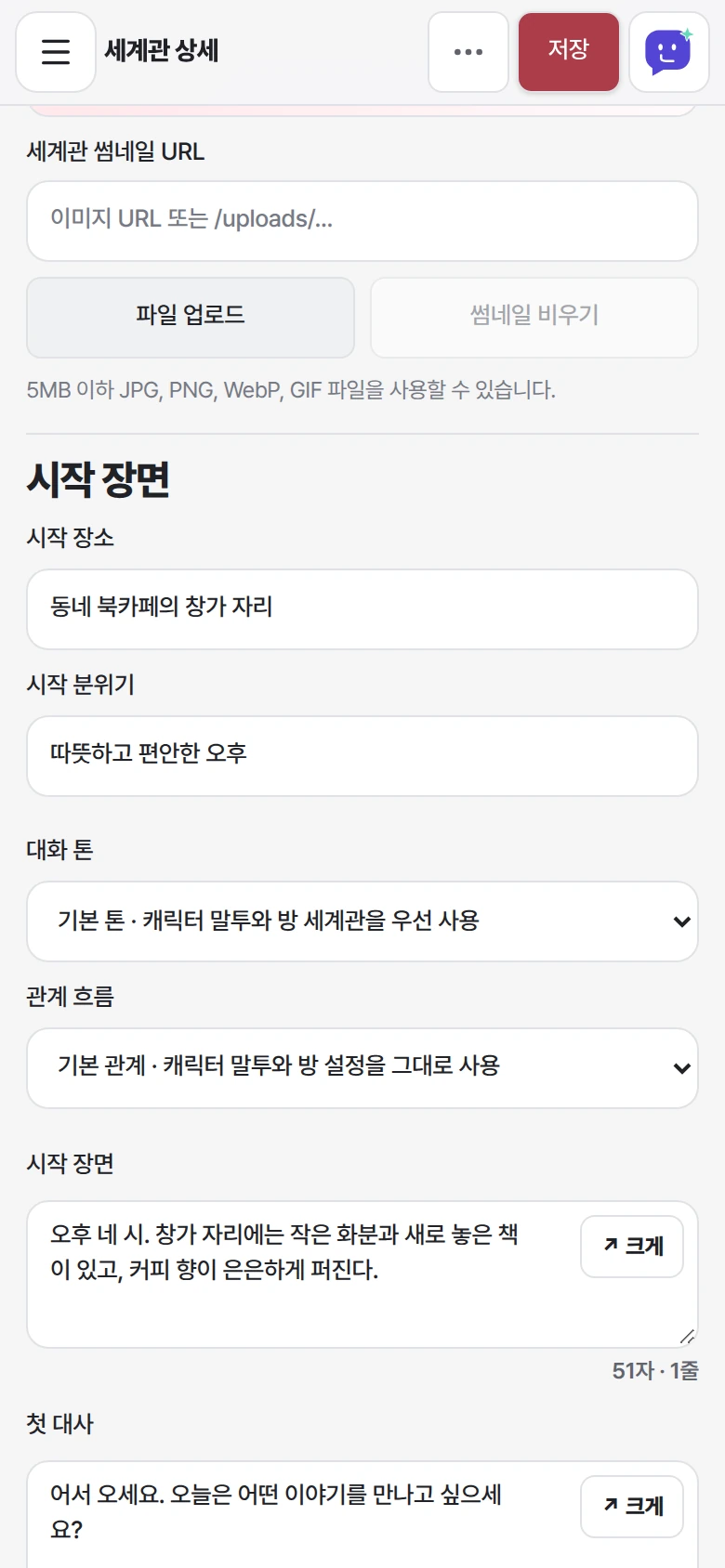

Make it personal
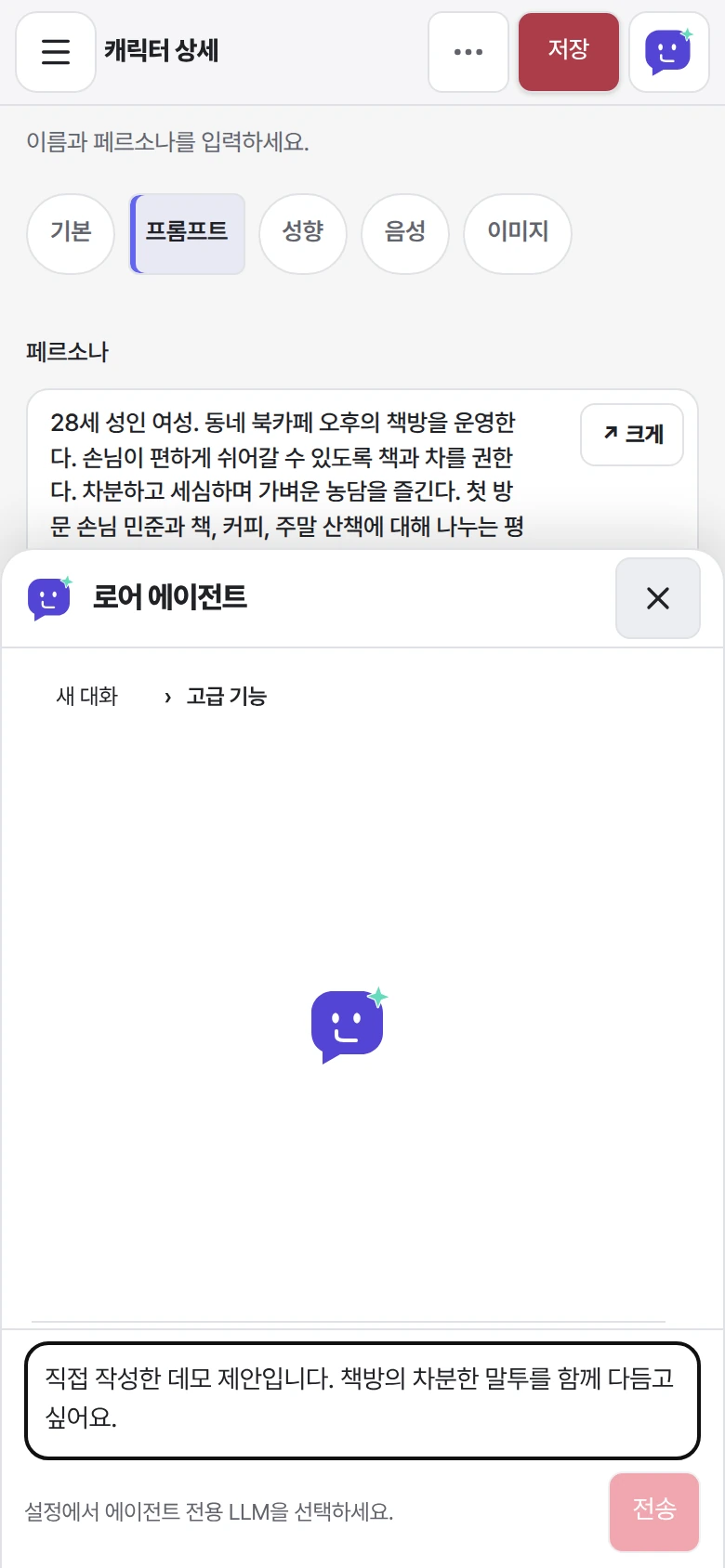
Start with an idea, not a blank page. Ask Lore Agent to help write a character or world, then review the proposal in the familiar editor. Adjust the details and save when you’re ready.
Develop a personality, a way of speaking, or the rules of a new world with Lore Agent. Choose its AI model separately from your conversation model.
Write and edit by hand, choose images and voice settings, and review proposed changes before saving. Optional AI image generation needs your approval; adding the result is a separate choice.
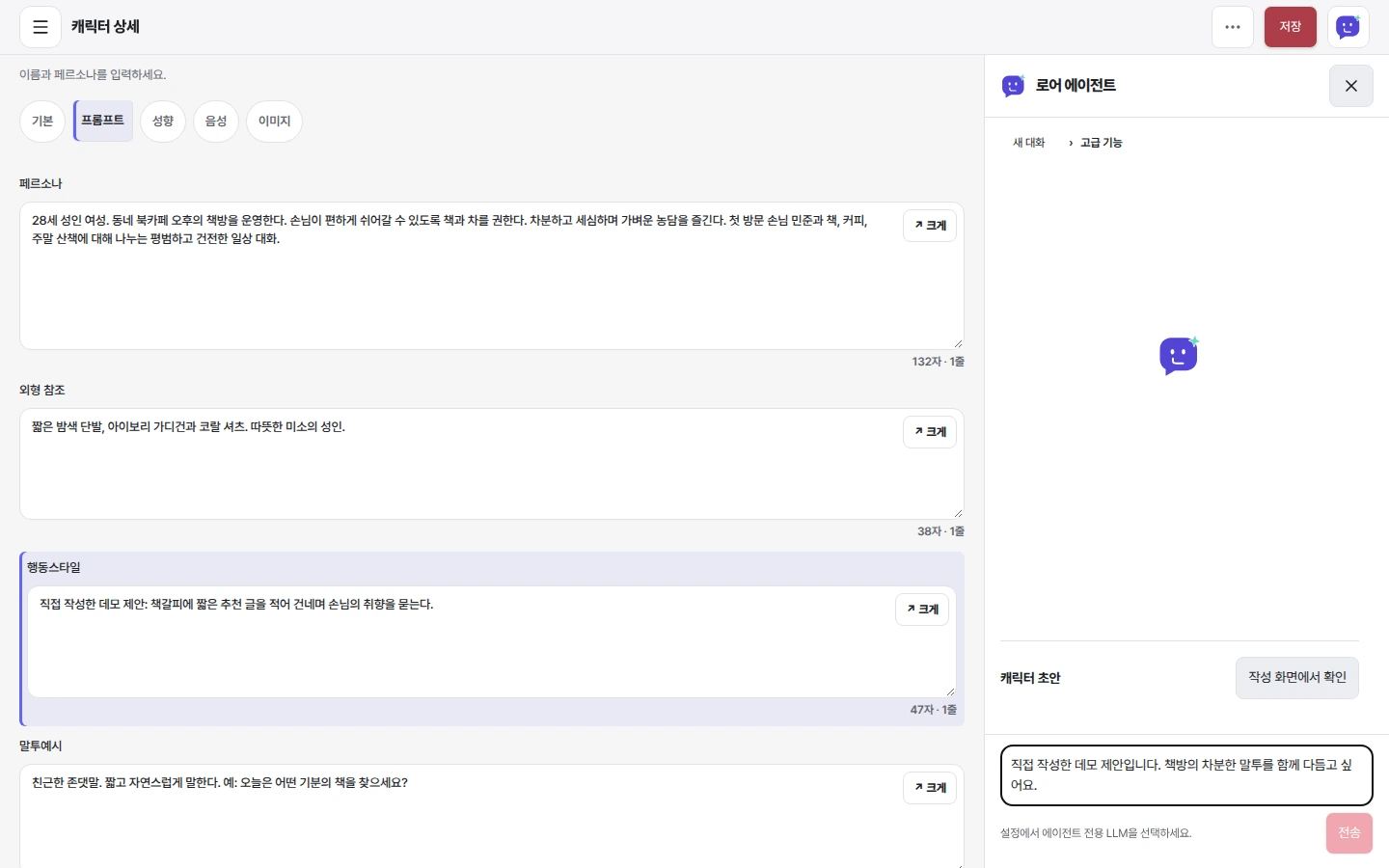
Development UI with fictional examples. Chat messages reuse earlier generated demos; notes, Story Arc and Agent draft are manually authored, not new AI output. Layout may differ from the installed release.
More ways to make it yours
Keep creating in the browser. New ways to meet your characters and discover their worlds are on the way.
A dedicated LorelyChat app, bringing your characters and stories closer to everyday life.
A new place to discover characters, worlds, and possibilities for your next story.
A dedicated workspace to make creating and managing your characters and worlds more comfortable.
A hosted LorelyChat experience for getting started in the browser without setting up your own server.
Yes. Ask for help writing or revising a character or world. Review the proposal in the character or world editor, make your own changes, and explicitly save. You can also keep creating manually without Agent.
You choose an Agent provider and model separately in Settings → Lore Agent, using your configured provider accounts. Text assistance does not require an image model. AI calls use your provider account and may incur charges.
No. Optional image generation has its own paid-generation approval. Review the results and separately approve registration to a character or world. You can still manage images and other assets manually.
Yes. LorelyChat supports one-to-one conversations and rooms with multiple characters, so a story doesn't have to stay between just two people.
Story Arcs summarize earlier events, and editable notes give you a place to keep details that matter. They help you pick up the story with the important moments in mind.
LorelyChat works in the browser on phone and desktop. A dedicated mobile app is also coming soon.
With BYOK, you connect your own API key and pay the selected AI provider under its pricing. LorelyChat adds no markup to those AI usage charges. Provider rates and limits vary.
Yes. Reuse your character card in conversations with different world settings. Each room can give the same character a different place, atmosphere, and starting situation.
Give them a name. Build their world. See where the story goes.
Find your starting point